Version: 2.14- Go to: Webex Control Hub
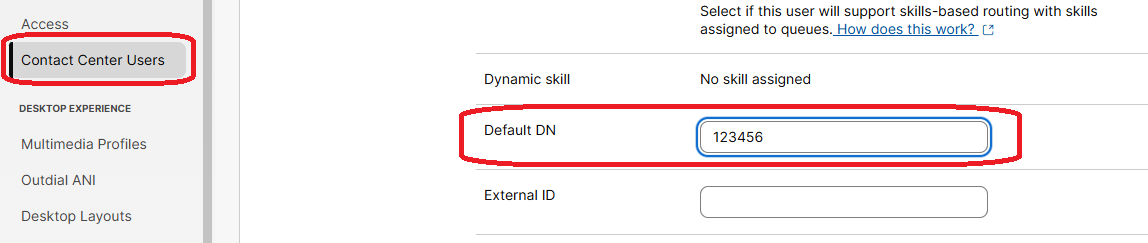
- Navigate to: Control Hub → Contact Center → Contact Center Users
- Select the agent user for which you want to set the Default DN.
- In Agent Settings, type the Default DN and save the change.
- Go to: Webex Control Hub
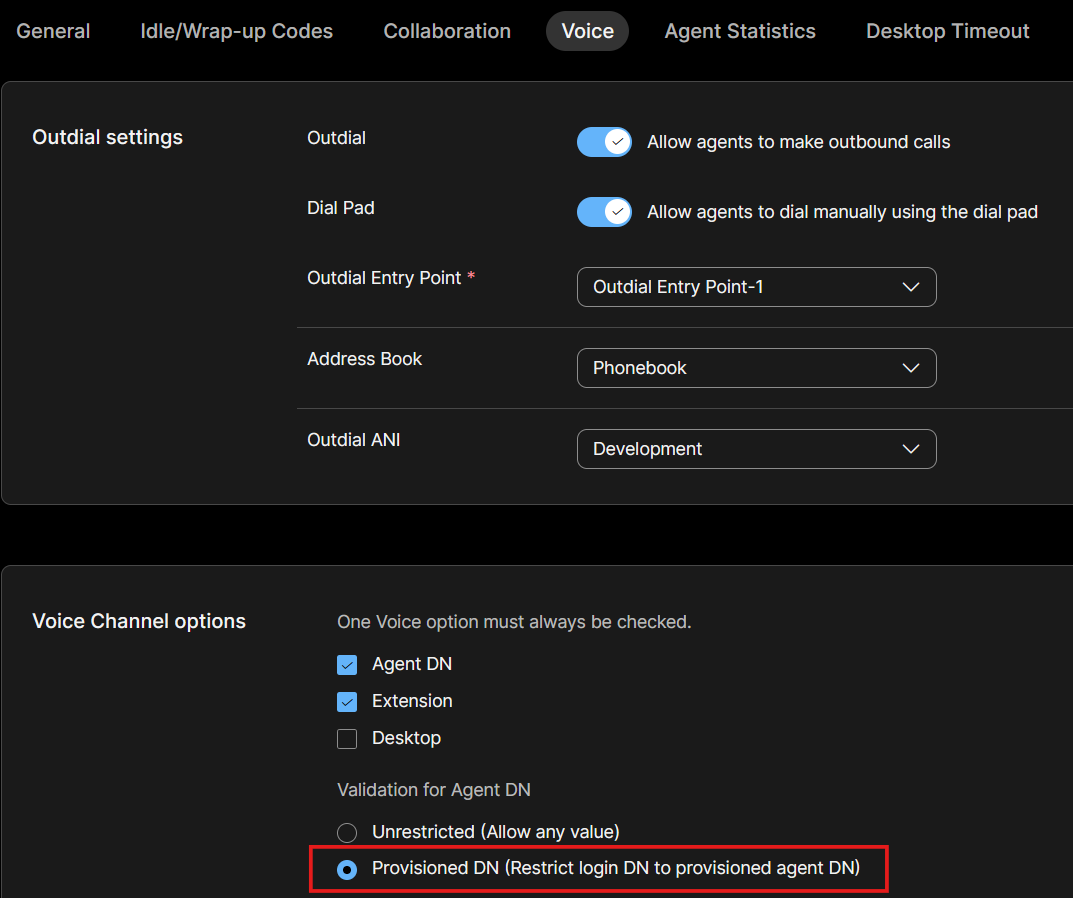
- Navigate to: Control Hub → Contact Center → Desktop Profiles
- Select the profile assigned to your agent
- Select the Voice tab
- Check the
Provisioned DN (Restrict login DN to provisioned agent DN) option and save the change.